 BWYA
Bitch,
WYA???An iPhone app to find your friend at a festival.
Pair before you split up. Follow the arrow back together.

How it works
Pair. Find. Back together.
BWYA is an iPhone app for two friends who lose each other at a festival, a concert or a club.
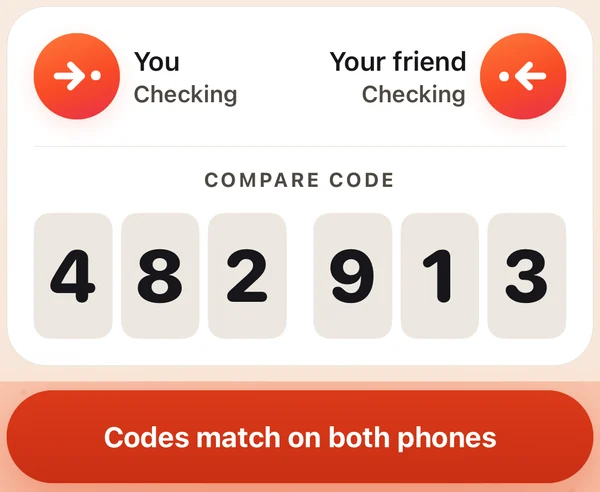 Your phoneHer phone
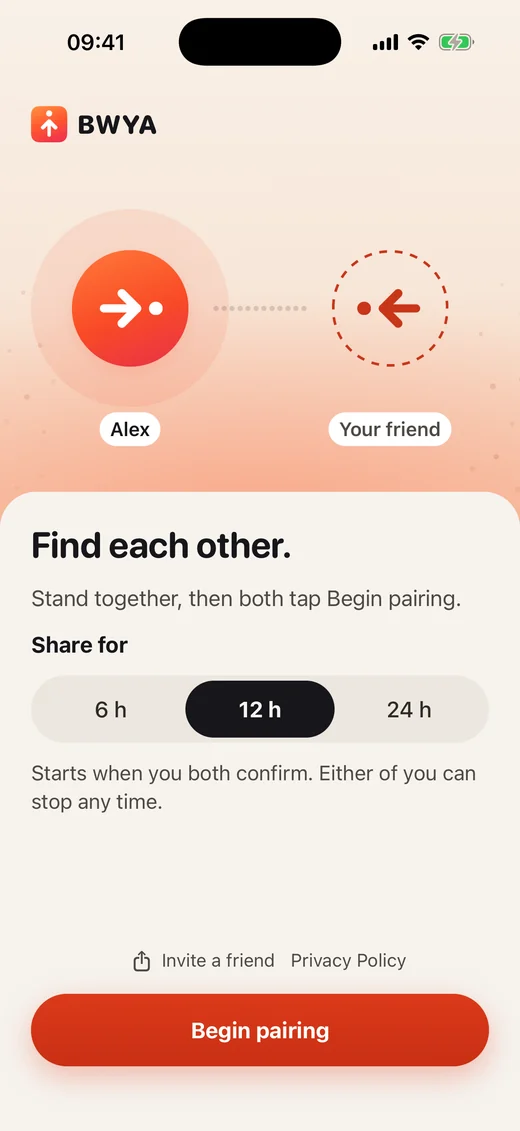
1Before you split up
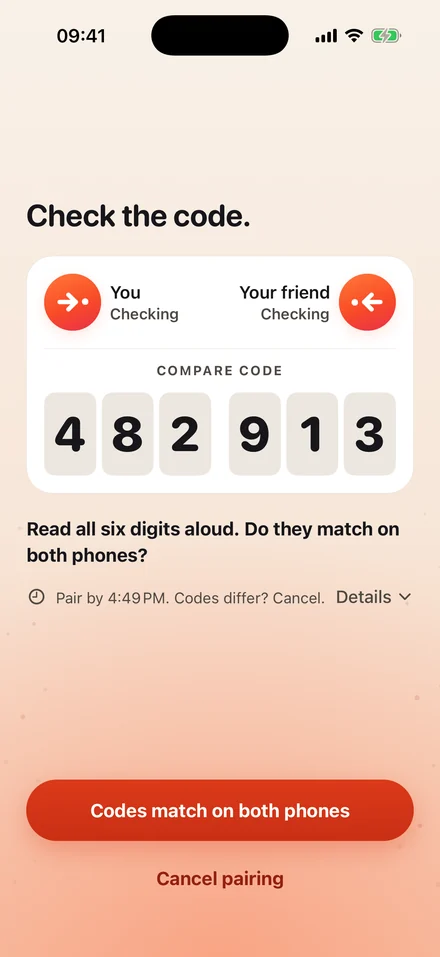
Pair together
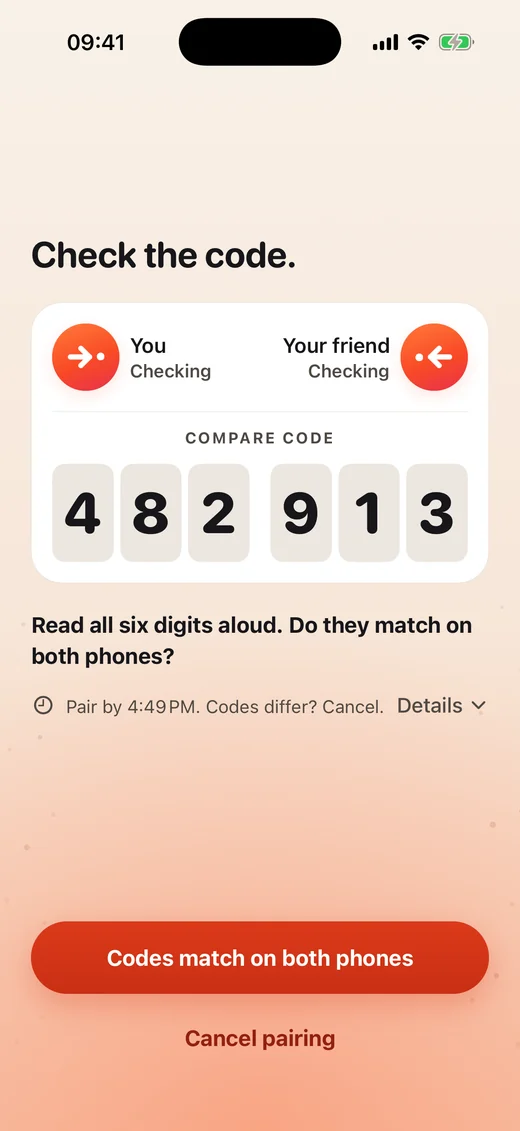
Stand together and both tap Begin pairing. Same six digits on both phones? Both tap Codes match.
2Lost each other
Open BWYA
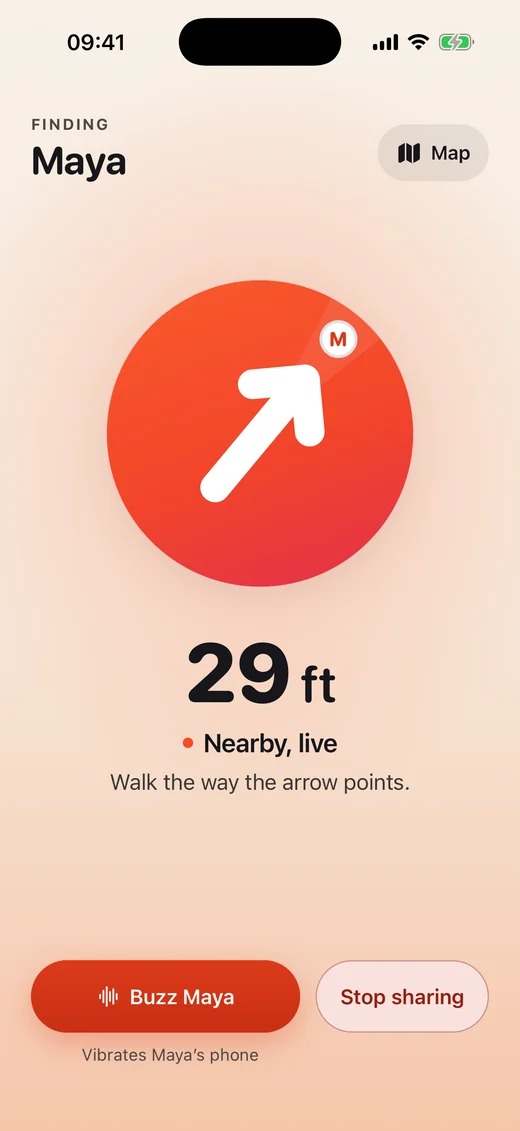
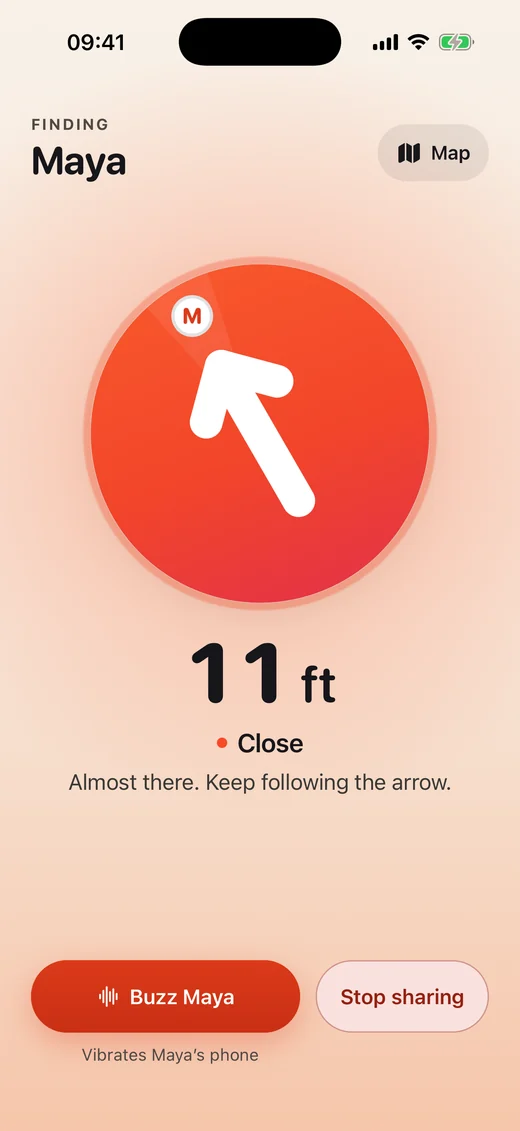
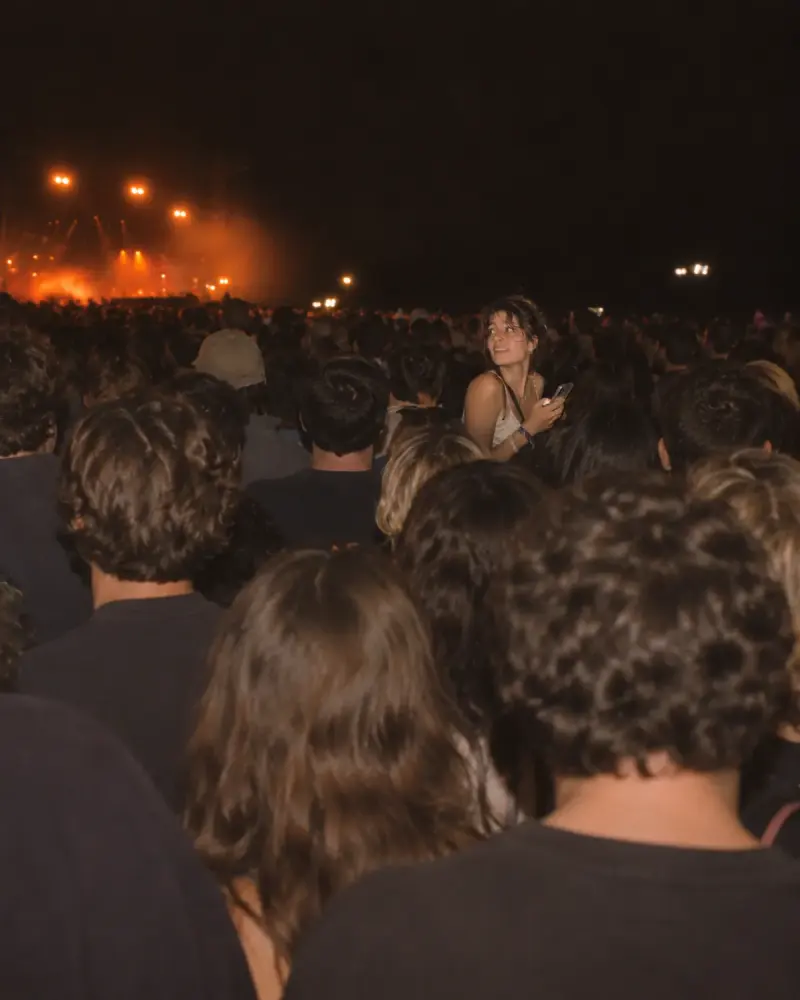
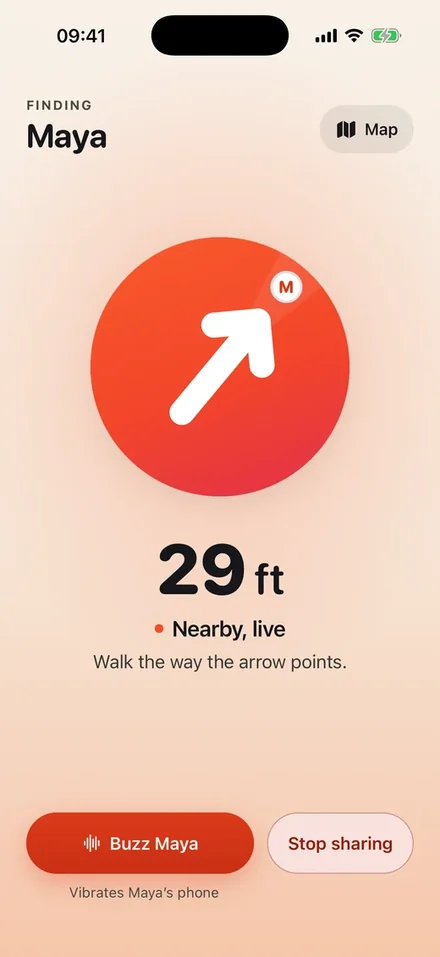
Lost her? Open the app and walk the way the arrow points. Both phones need internet.
3Getting close
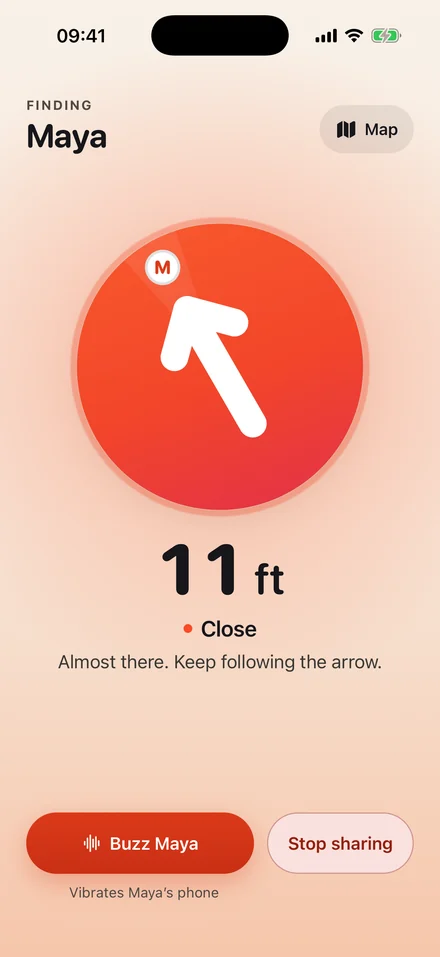
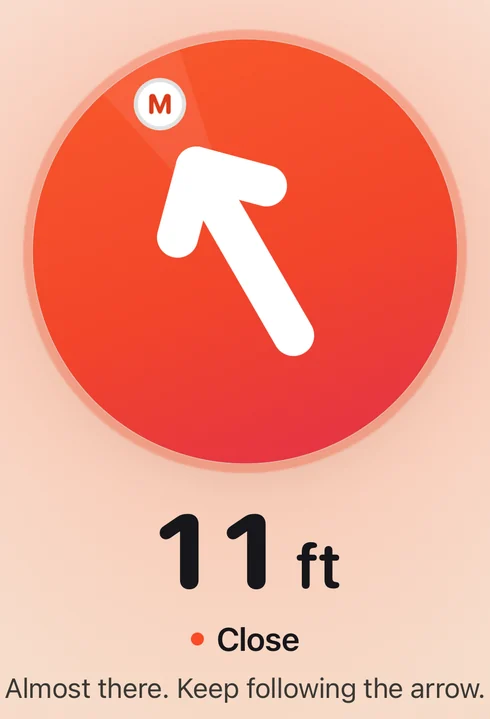
Follow the arrow
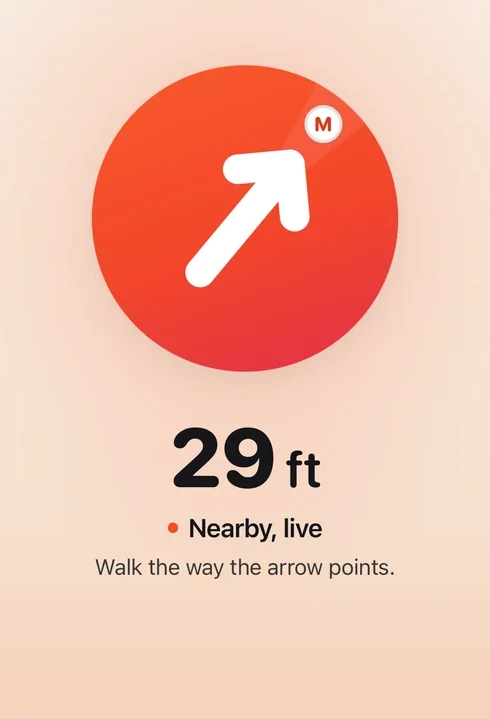
Keep following it. The arrow and the distance stay live all the way to her.

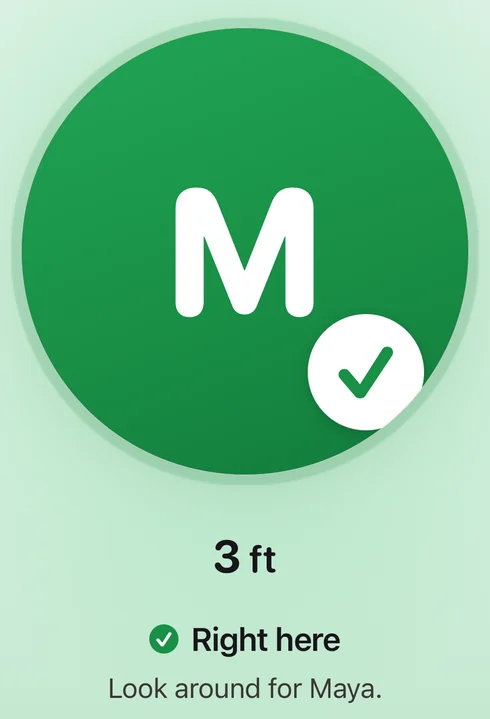
4Right here
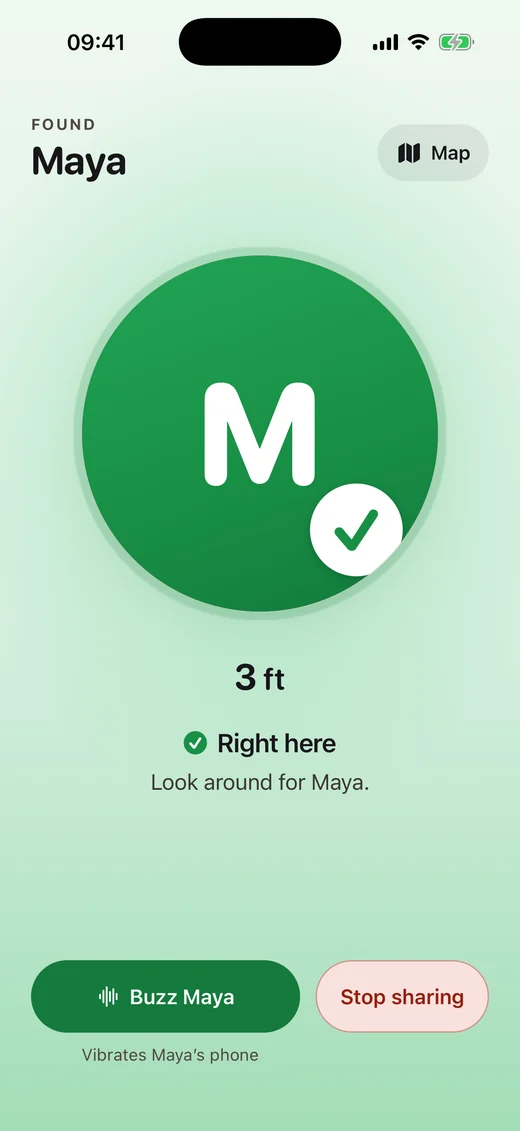
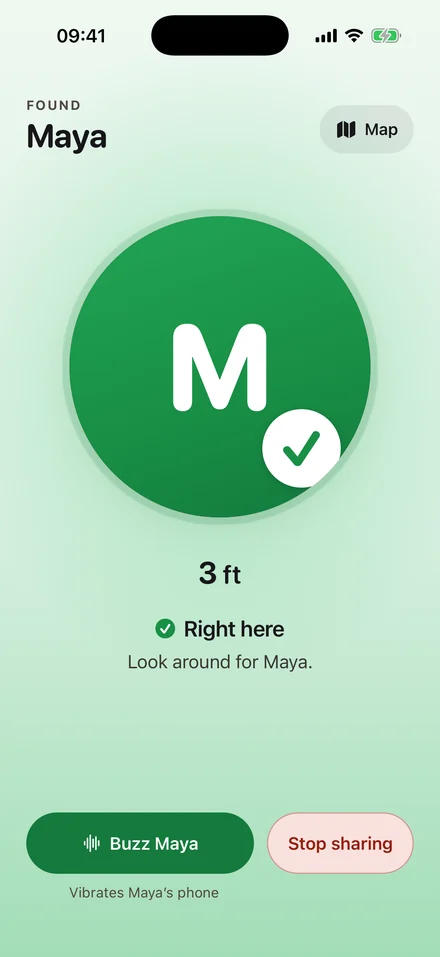
Green when she’s there
The dial turns green when you’re together.

Don’t lose your bestie tonight.
It takes two phones. Get yours, send her an invite, and pair before you go out.
We can’t see where you are. Not even us.
How privacy works- Encrypted before it leaves your phone.
- Only your paired friend can read it. Not us.
- Stop sharing anytime. Otherwise it ends on its own, and our server forgets it.
FAQ
How do I find my friend at a festival?
Agree a meeting spot before you split up. If you still lose each other, open BWYA and follow the arrow to your friend.
Do we both need the app?
Yes. BWYA works between two iPhones that paired. Pair side by side with a six-digit code, or tap Invite by text in the app and send your friend a link from wherever you are. If she doesn't have BWYA yet, the link gets it for her first.
Which iPhones work?
iPhone 11 and newer, on iOS 18.4 or later. Not iPhone SE or iPhone 16e. BWYA checks yours when you open it.
Does BWYA work without internet?
Partly. Pairing and the close-up arrow need no internet: they go straight from phone to phone. Finding each other from far away needs mobile data or Wi-Fi on both phones.
How far apart can we be?
Any distance for the map and the rough direction, as long as both phones are online. Once you’re within Bluetooth range the live distance appears, and up close, within about 10 m (30 ft), the arrow points to your friend. The dial turns green when you’re right there.
How do I stop sharing?
Tap Stop sharing on the finder. Sharing also ends on its own at the time you picked.